


Meet customers on WhatsApp. Support them where they already are
Rich messaging with attachments, quick replies, and full conversation history. Your team handles WhatsApp alongside every other channel.
Trusted by 850+ brands across 42 countries


.svg)


WhatsApp support, built into Dixa

Rich messaging
Send images, documents, and attachments

Quick replies
Templated responses for common questions

Intelligent routing
Route conversations by language, region, or team

Full conversation history
WhatsApp messages in the same timeline as every other channel

Business API integration
Official WhatsApp Business API, fully supported

24/7 availability
Set up auto-replies and contact forms for after hours"


Customers message on WhatsApp. Your team responds from one inbox
No app-switching, no separate queue. WhatsApp conversations appear alongside chat, email, and phone, with full customer history attached.
- Respond to WhatsApp from the same workspace as every channel
- See orders, past conversations, and customer data in one view
- Route by language, region, or team automatically

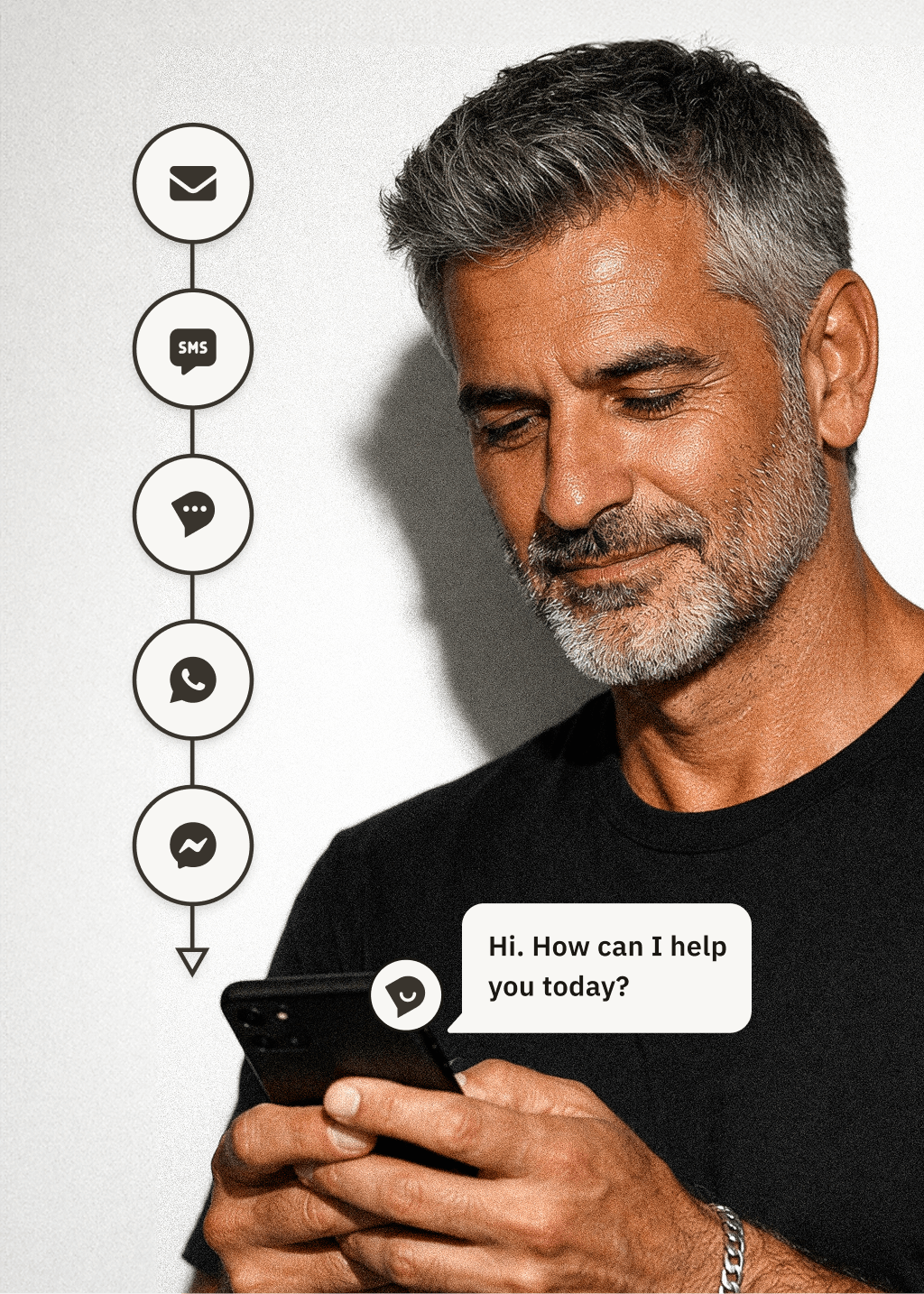
WhatsApp conversations live alongside everything else
No separate inbox. WhatsApp messages appear in the same workspace as chat, email, and phone–with full customer history attached. Your team sees one conversation, not scattered threads.
- Unified inbox across all channels
- Full customer context from every interaction
- No switching between tools

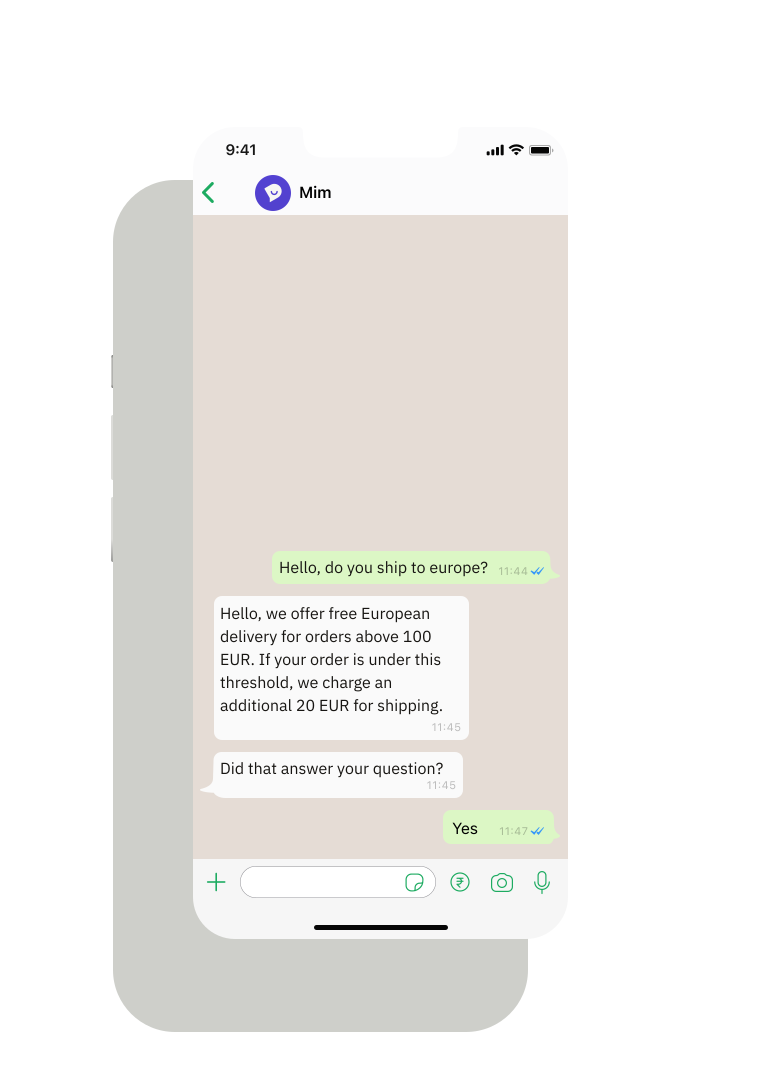
Rich messaging that feels native
Send images, documents, and quick replies. WhatsApp in Dixa feels like WhatsApp–customers get the experience they expect, your team gets the tools they need.
- Images, PDFs, and attachments
- Quick replies for common questions
- Native WhatsApp experience for customers
The more you integrate and the more you get better at prompting, the more Mim evolves from just an AI agent to really a helping colleague."

Roger Sandmeier
Head of Customer Service at tink
Read the case study
Most providers just focused on content-related AI. Mim gave us the ability to do tasks which normally colleagues do. That's what really made the difference."

Jessica Schulz
Customer Service Manager at Smartphonehoesjes
Read the case study
Dixa’s automation and incredible AI agent assistant have greatly enhanced our efficiency and productivity."

Erica Piccolomini
Chief Customer Officer at Stayforlong
Read the case study
Since partnering with Dixa, we've nearly doubled the workload achieved each day–resulting in extremely positive customer satisfaction and very happy teams."

Natasha Sims
Operations Director at Oliver Bonas
Read the case study
To enhance our CX, we knew that the business needed a unified platform to reduce silos across channels and teams. Dixa's one-screen wonder has been a game changer that keeps our workflows seamless."

Rhys Howells
Head of Customer Service at Rapha
Read the case study


59%
email containment
-90%
seasonal hires at peak


82%
live chat containment
3 pts
CSAT gap, AI vs human


-33%
contact per booking
-50%
email backlog


90%
CSAT
2x
productivity/hour


+14%
improvement in CSAT scores
+17%
increase in customer retention
Frequently Asked Questions
See what Dixa can do for you
Book a call with our team and discover how brands like yours handle more with less.
